Folly Mix · lighting software

Play the structure like an instrument

Folly Mix is the lighting software we custom-coded for the Gothic Folly. It addresses every arch, spire, tower and rose-window cell individually, so a look can range from a wash over the whole structure to a single arch pulsing in one color on the off-beat. It runs on a phone, iPad or tablet.

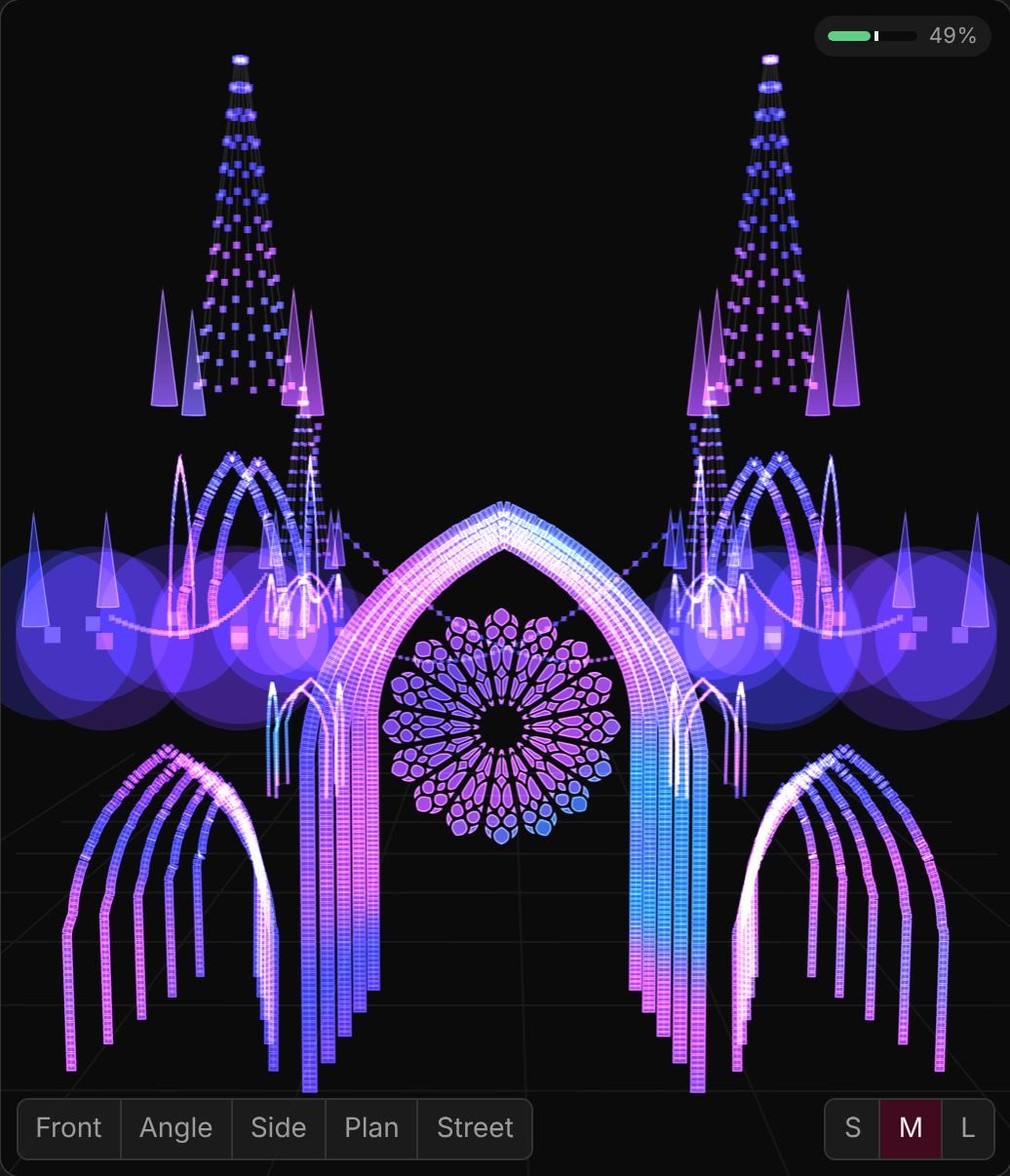
Folly Mix's 3D preview of the cathedral from the front, arches and spires lit violet and pink around the rose window
35,900Programmable LEDs
Fully addressableEvery arch, spire, tower and cell
Custom-codedFor the Folly alone
Global BPMAdjustable, with every effect in time

In use

Building a look

Fifteen seconds in Folly Mix: four colors are set on the palette wheel, then Stained glass, Arch chase, Rose mandala and a Spire flash accent are layered on top. The 3D preview on the right shows the result on the structure.

Mapping

How the structure is mapped

Rather than treating the Folly as a grid of pixels, Folly Mix is written around its geometry. Effects are addressed to its parts: the nave arches, the towers, the spires and spirelets, the rose window and each cell of its tracery.

Targeting

Send any effect to the whole cathedral, the arches only, the towers without the arches, the spires, the tower quads or the rose window alone. The Parts row gives each section its own effect, so the spires can sweep while the arches glow.

Pad settings

Every pad is editable: its effect, where it plays, its direction, its colors, its speed and its size. Effects lock to the beat or the tempo, and launch now, on the next beat or on the next bar.

Manual control

Paint light by hand across the structure or cell by cell on the rose window. Filters switch off specific lights no matter what is playing, and gamma calibration makes the real window match what you see on the screen.

Any look can be saved as a scene, and scenes can be chained into a timed show that plays back the same way each night.

Features

How Folly Mix is organised

Folly Mix is split into five pages. Their output layers together and everything follows one adjustable global tempo.

01 · Mix

Layered looks

Looks are built on the Mix page. Each row is a layer aimed at part of the structure, with its own fader, mute and blend mode, so a base wash, motion on the arches and detail on the rose window can be stacked and crossfaded.

  • Base: nave glow, a stained-glass effect, plasma, aurora, fire and palette drift across the whole cathedral.
  • Motion: sweeps, falling bars, arch chases, comets, ripples and pinwheels.
  • Rose: spins, rings, twinkle and mandalas on the window alone.
  • Accents, Textures and Parts: beat sparkles, spire flashes, strobes, shimmer and per-section control.
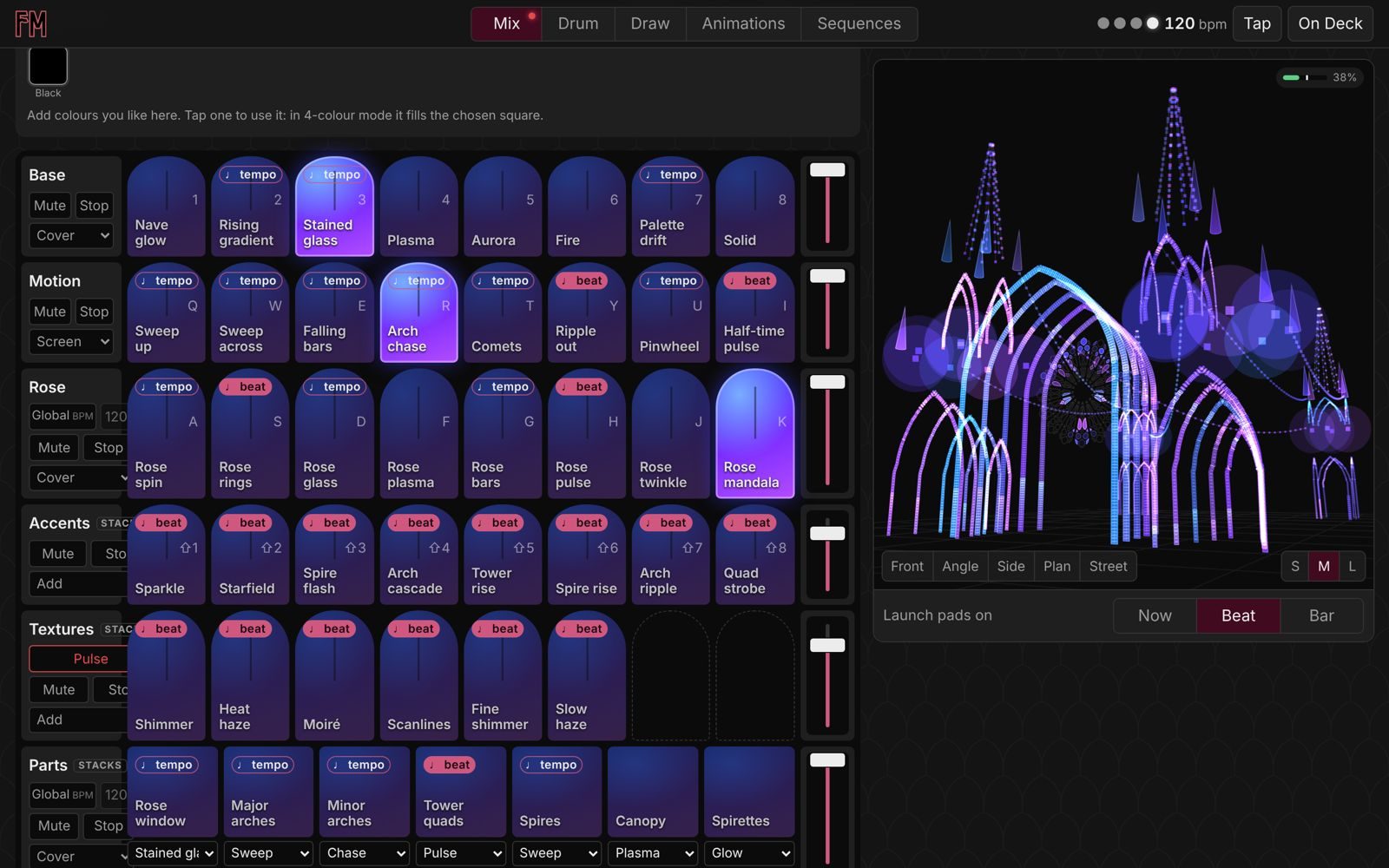
The Mix page: six labelled rows of glowing pads beside the live 3D preview

01 · Mix, continued

Color and beat overlays

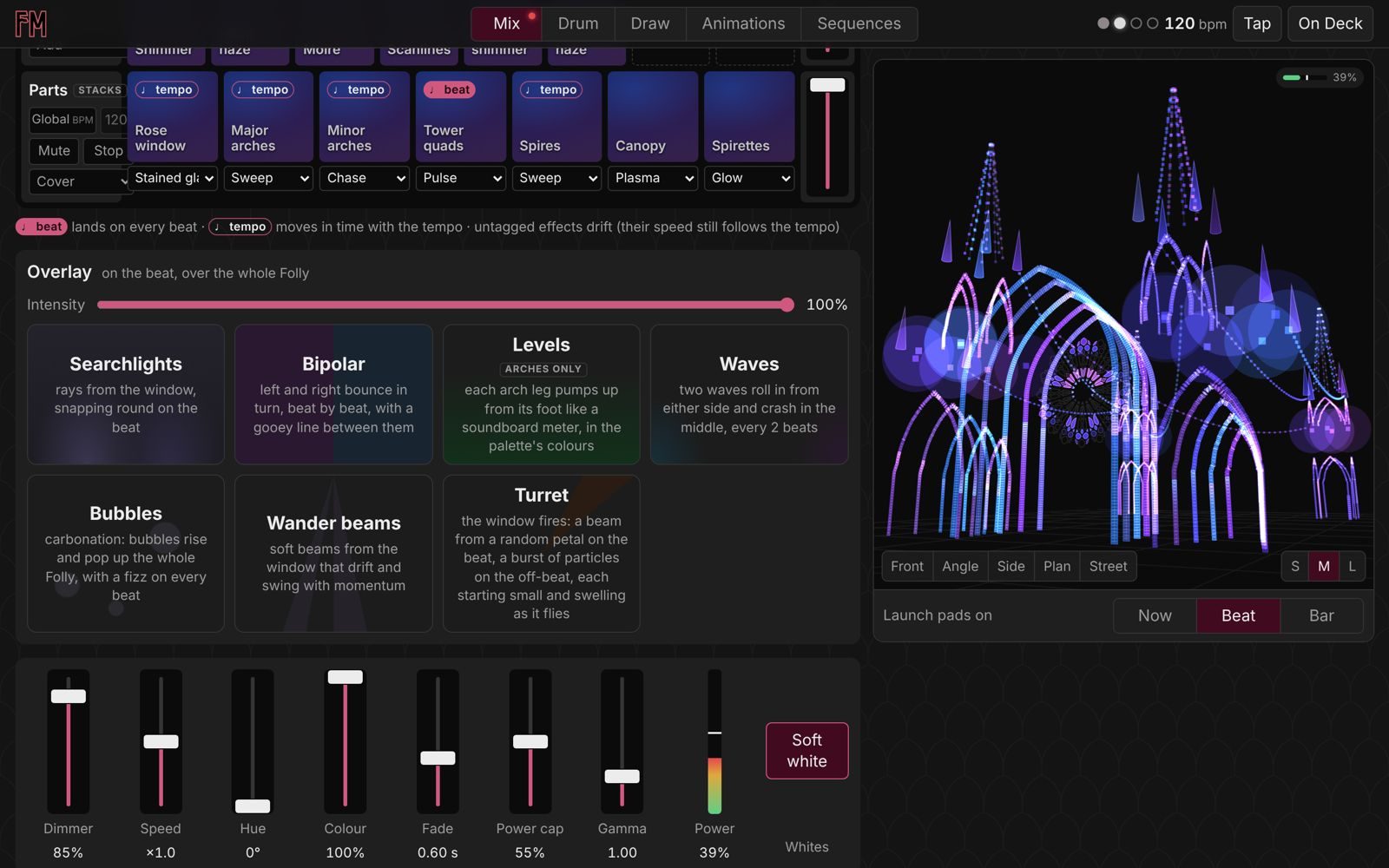
Color comes from a single hue on the wheel or a four-color palette, chosen from presets or generated harmonies. Beat overlays run across the whole structure and master faders shape the result.

  • Searchlights
  • Bipolar
  • Levels
  • Waves
  • Bubbles
  • Wander beams
  • Turret
  • Faders for dimmer, speed, hue, color, fade, power cap and gamma.
  • Launch pads now, on the next beat or on the next bar.
Overlay effects and the master fader bank in Folly Mix

02 · Drum

Drum pads

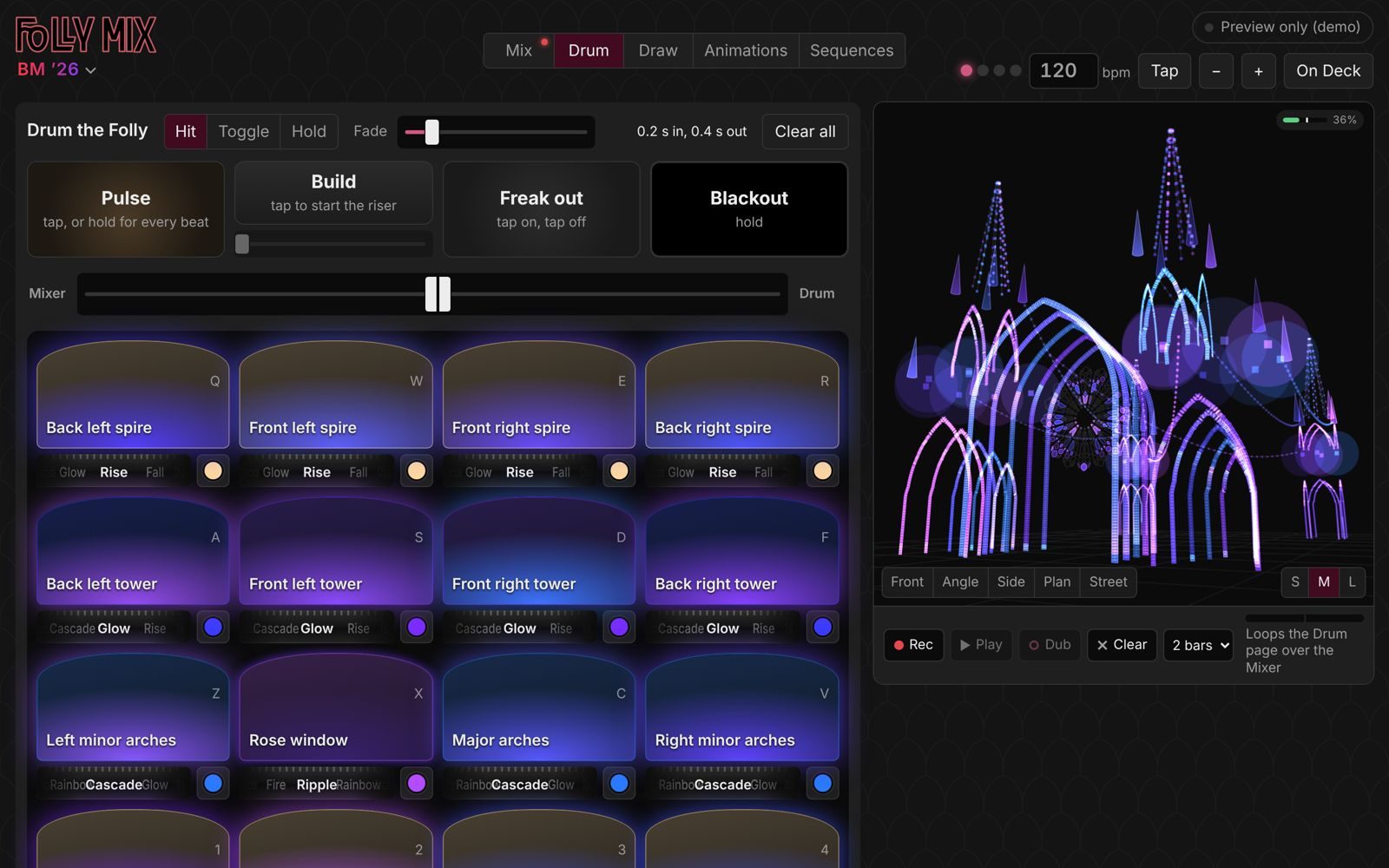
The Drum page maps each tower, spire, arch group and the rose window to a pad. Pads can be hit, toggled or held over the mix, with a crossfader between the two.

  • Build starts a riser that is dragged up into a drop.
  • Blackout, Pulse and Freak out are momentary effects.
  • A loop recorder captures 1 to 8 bars of drumming and plays it back in time.
The Drum page with pads for each spire, tower and arch group, plus Pulse, Build, Freak out and Blackout

03 · Draw

Drawing

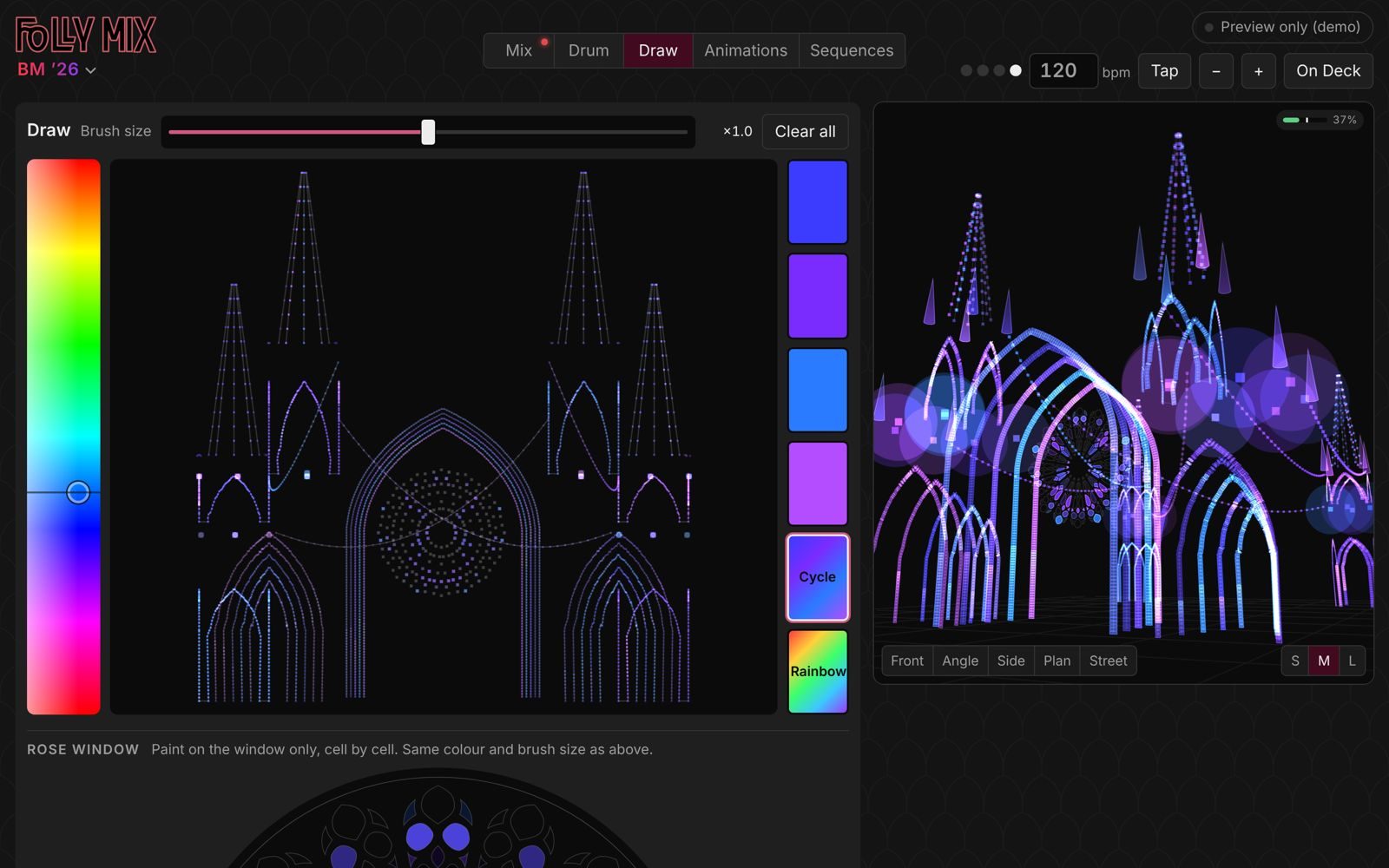
A brush dragged across an elevation of the structure paints light directly onto it. A second canvas paints the rose window cell by cell, in the live palette.

The Draw page: a color strip and brush beside a line drawing of the Folly's front elevation

04 · Animations

Animations and shows

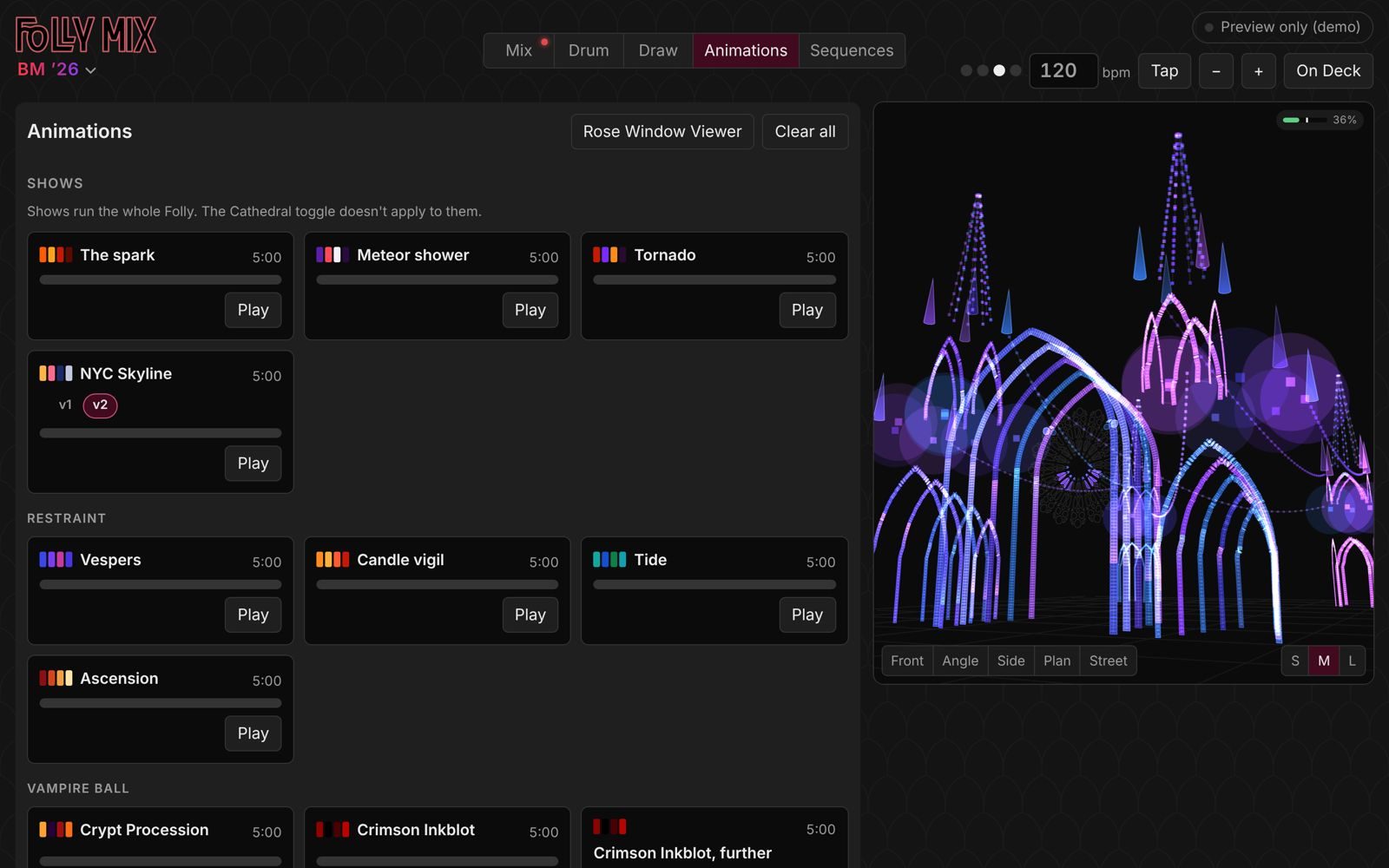
Hand-built animations play on the rose window, each with a matching preset for the rest of the structure. A text mode scrolls any message through the window. Timed shows run the whole Folly unattended.

  • Shows include The Spark, Meteor Shower, Tornado, NYC Skyline, Vespers, Candle Vigil, Tide, Ascension and the Vampire Ball set.
The Animations page listing shows grouped into folders

05 · Sequences

Scenes and sequences

Looks are saved as scenes, then chained with shows and animations into a sequence. Each step plays for a set number of bars and fades into the next. The whole sequence follows the global tempo.

  • Save, duplicate and rename sequences.
  • Back up and restore your library to a file.
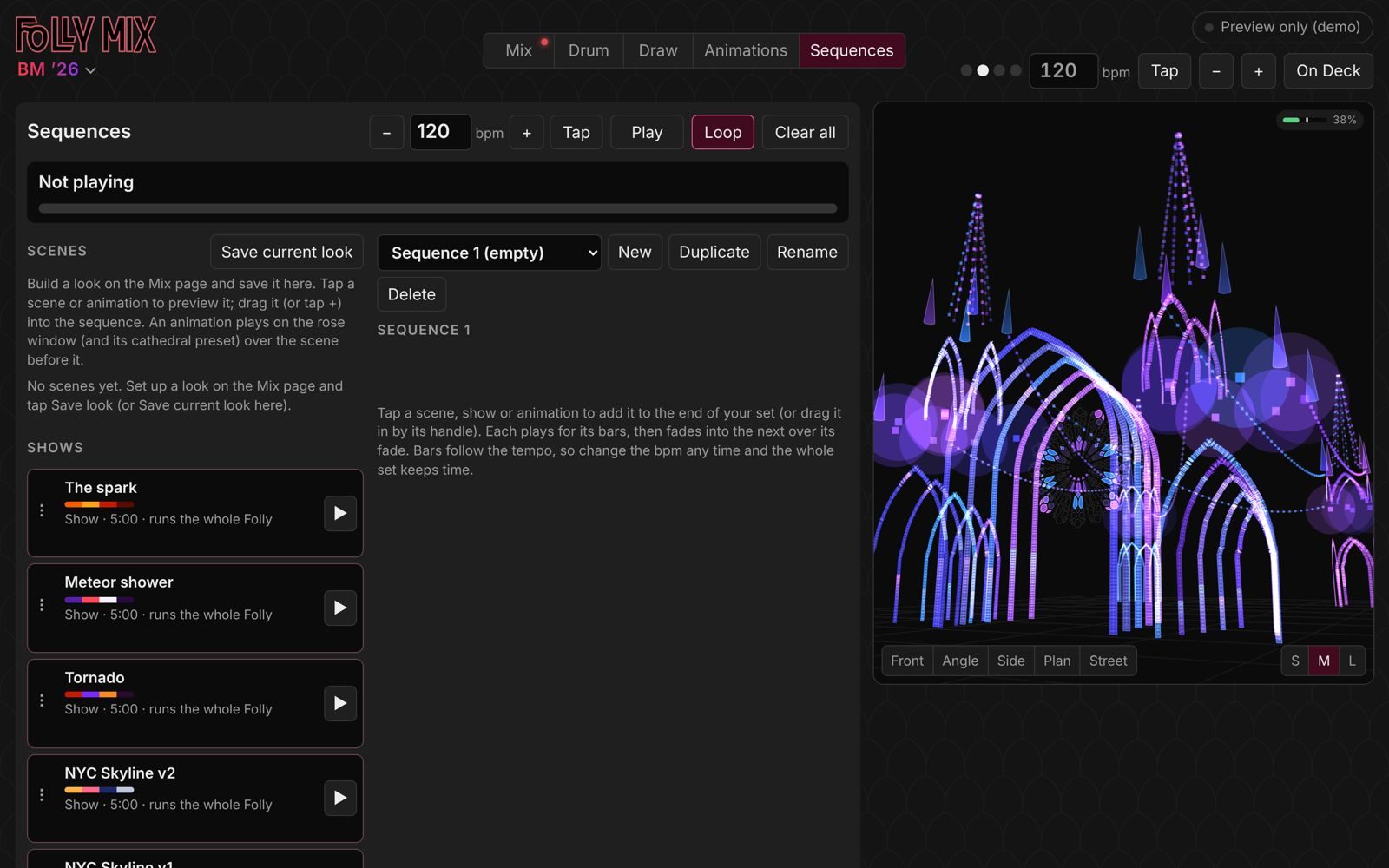
The Sequences page with saved shows and an empty sequence ready to fill
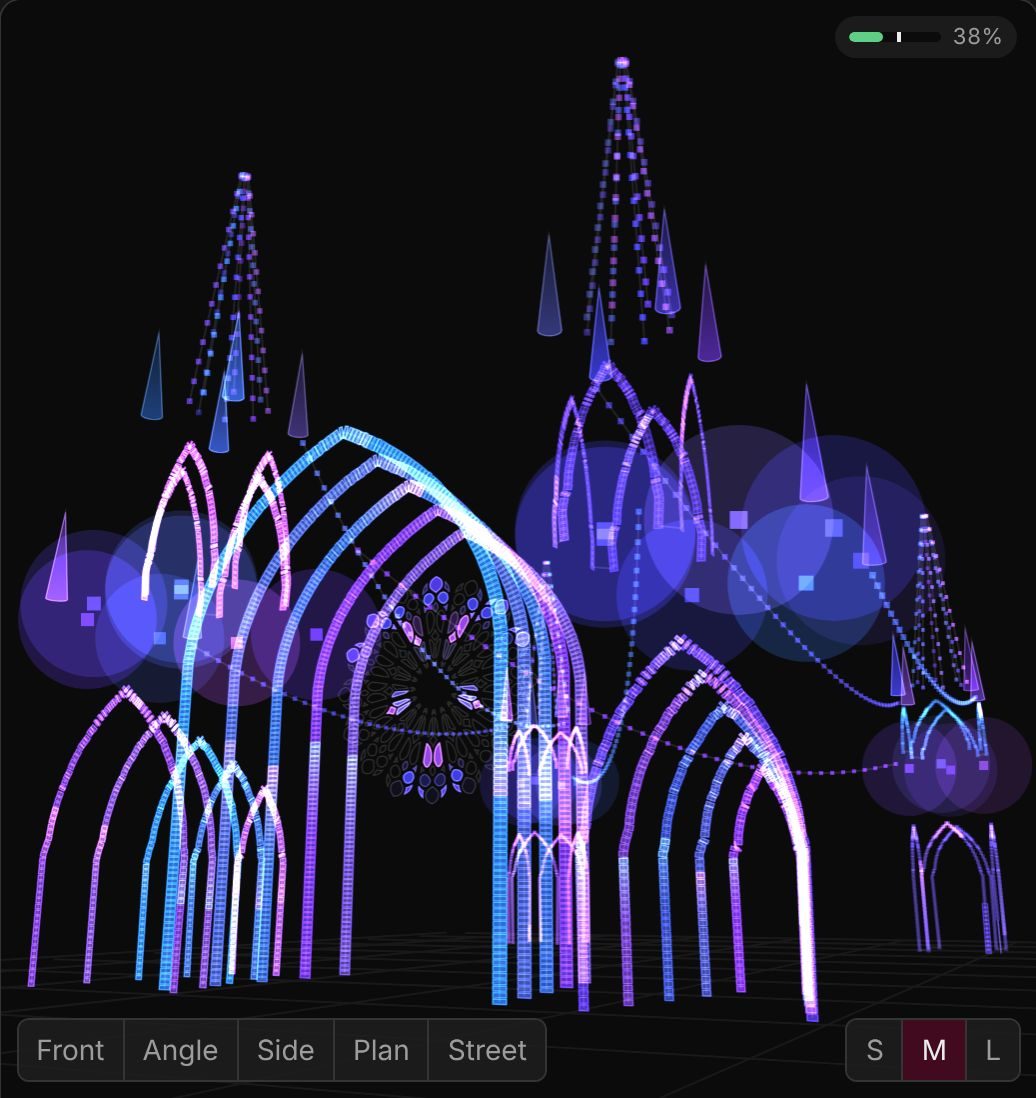
Folly Mix's 3D preview at an angle, showing the arches in depth

Technical

Technical details

OutputsACN (as used by xLights) to a Falcon F48V5 or any receiver on the network, or DDP to FPP
ControlRuns on a phone, iPad or tablet
PreviewLive 3D model with front, angle, side, plan and street views
CalibrationGamma correction matches the real window to the preview; dithering smooths slow fades
Crew toolsColor test for controller wiring, light filters, and a white work light for night builds
SafetyA global power cap and dimmer over everything that plays

LED shows and the 3D simulator